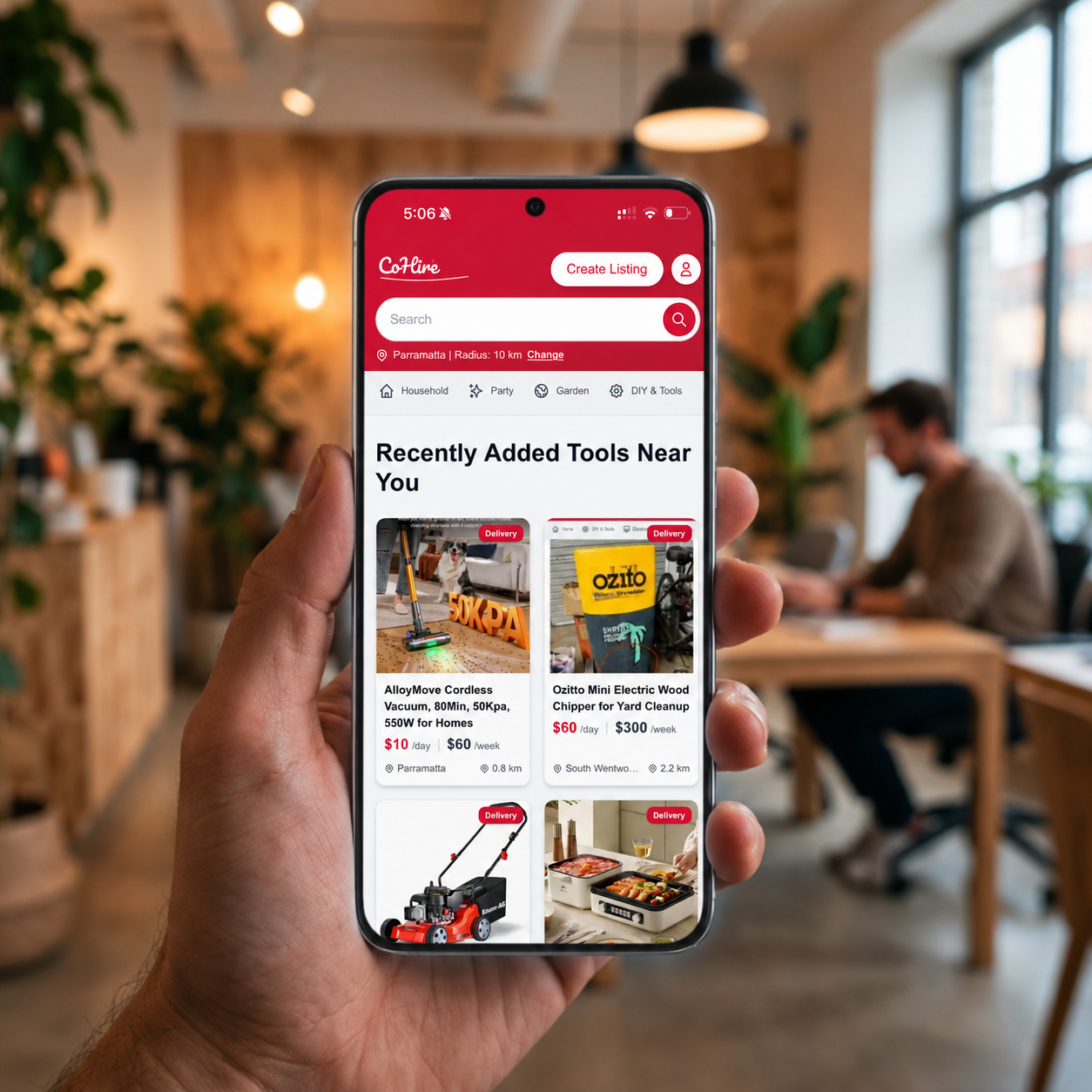
How to install the CoHire app
CTCoHire Team
Guide1 min read20 June 2026Install CoHire as a Progressive Web App on iPhone, Android, and desktop for quick access to local rentals.
Install on iPhone (Safari)
- Open cohire.com.au in Safari.
- Tap the Share button.
- Scroll and tap Add to Home Screen.
- Confirm the name, then tap Add.
Install on Android (Chrome)
- Open cohire.com.au in Chrome.
- Tap the browser menu (three dots).
- Tap Install app or Add to Home screen.
- Tap Install to confirm.
Install on desktop (Chrome or Edge)
- Open cohire.com.au.
- Click the install icon in the address bar.
- Click Install.
Troubleshooting
- Make sure you are using the latest browser version.
- Try refreshing the page and opening the install prompt again.
- If you already installed it, open CoHire from your home screen or app launcher.
Ready to hire nearby?
Browse tools and equipment on CoHire, or list gear you already own and start earning.